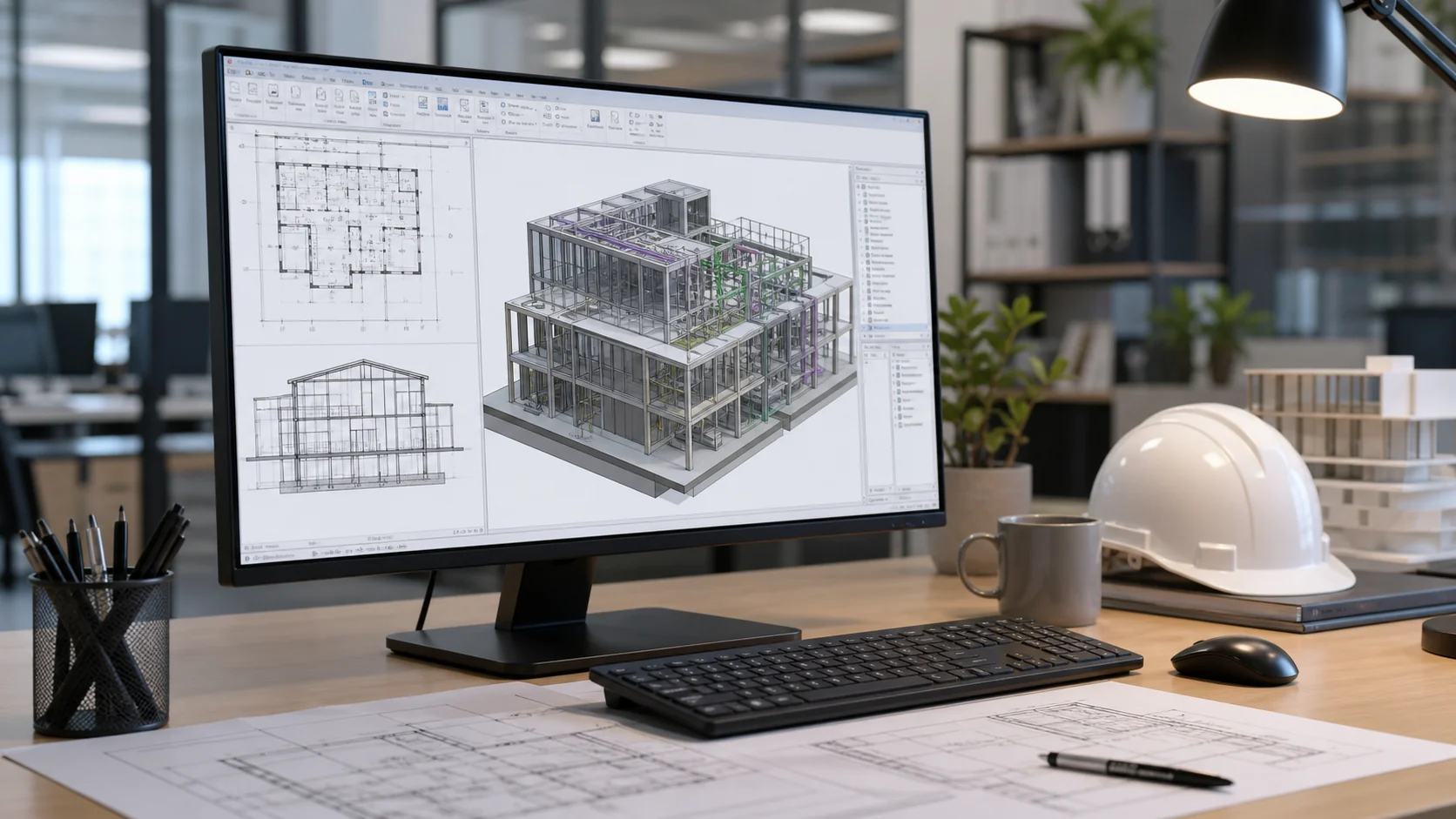
CAD services

CAD Drafting Services

Clean architectural CAD drafting support for plans, elevations, sections, details, redlines, and issue-ready drawing updates.
5 years experience300+ projectsArchitect-led QA
CAD drawing and documentation sample
Typical output DWG + review-ready PDF

Service focus

Turn markups, sketches, and redlines into clean CAD output.

Use Nest when your team has the design direction but needs reliable drafting capacity to keep sheets moving.

Problem

Too many markups, not enough production time

Nest helps clear drawing backlogs, update sheets faster, and keep senior staff focused on decisions instead of repetitive drafting tasks.

Solution

Flexible drafting capacity

Nest plugs into your CAD standards, picks up redlines, cleans drawings, and packages files for your review.

Proof

5 years, 300+ projects, architect-led QA

Nest combines flexible production capacity with clear scope review, file organization, and delivery checks before handoff.

What we do

Production support that plugs into your existing standards.

Clean architectural CAD drafting support for plans, elevations, sections, details, redlines, and issue-ready drawing updates.

01Plans, elevations, sections, and detailsNest picks up the production lane while your team keeps control of design direction and client decisions.
02PDF, sketch, and markup to CADWe organize the output around your tools, standards, templates, and review process.
03Layering, title blocks, standards, and sheet cleanupWork is packaged for practical use: review PDFs, editable files, notes, and clear assumptions.
04Fast support for deadline-heavy production periodsUse support for one deadline, a repeat workflow, or a larger production push when your team is overloaded.

What to send

A clean brief helps us start fast.

Send the files you already have. We will flag missing inputs before production begins so scope, deadline, and expectations stay clear.

FilesCurrent project materialPDF sets, DWG/Revit files, sketches, markups, scans, photos, references, and any existing drawings.
RulesYour standardsTitle blocks, templates, sample sheets, naming rules, software version, lineweights, and preferred output format.
GoalExpected outputTell us what should be delivered: CAD files, Revit model, renderings, PDFs, sheets, notes, or source files.
DateDeadline and review rhythmShare the target delivery date, who reviews the work, and when your team can answer open questions.

How it works

A cleaner path from brief to delivery.

Each step keeps the scope visible, questions organized, and deliverables ready for your team's review.

  1. 01Send files

    Drawings, models, markups, scans, standards, and deadline.

  2. 02Scope review

    Deliverables, missing inputs, software version, and review rhythm.

  3. 03Production

    The agreed drawings, models, visuals, or documentation package.

  4. 04QA

    Architect-led checks before anything is handed back.

  5. 05Delivery

    Organized files, review PDFs, notes, and source files.

Service overview

When this support makes sense.

Use CAD drafting support when your team has design direction, markups, sketches, or redlines ready, but needs dependable production time to turn them into clean drawings.

Who it is for

Architecture teams with drafting overflow

Best for architects, interior designers, developers, and contractors that need plans, elevations, sections, details, or redline updates produced in AutoCAD or compatible CAD workflows.

Main problem solved

Too many markups, not enough production time

Nest helps clear drawing backlogs, update sheets faster, and keep senior staff focused on decisions instead of repetitive drafting tasks.

What is included

Drafting, cleanup, and sheet support

Plans, elevations, sections, details, title block setup, layer cleanup, PDF-to-CAD, sketch-to-CAD, redline pickup, and organized DWG/PDF exports.

Expected outputs

Clean CAD files and review-ready PDFs

You receive organized CAD files, plotted PDFs, notes on assumptions, and revision-ready output aligned to your standards.

Software expertise

Production support across the tools US architecture teams already use.

Nest supports architectural drafting, BIM documentation, modeling, rendering, visualization, and presentation workflows across common architecture and design software.
Autodesk3ds Max3D modeling and visualization
AutodeskAutoCADCAD drafting and drawing cleanup
GraphisoftArchicadBIM and architectural documentation
AdobePhotoshopPost-production and presentation graphics
AutodeskRevitBIM modeling and Revit documentation
TrimbleSketchUpConcept modeling and design studies

Selected work

Examples of the visual and production work Nest supports.

Explore visualization, architectural presentation, modeling, documentation, and existing-condition work while confidential client details remain protected.


Architecture visualization
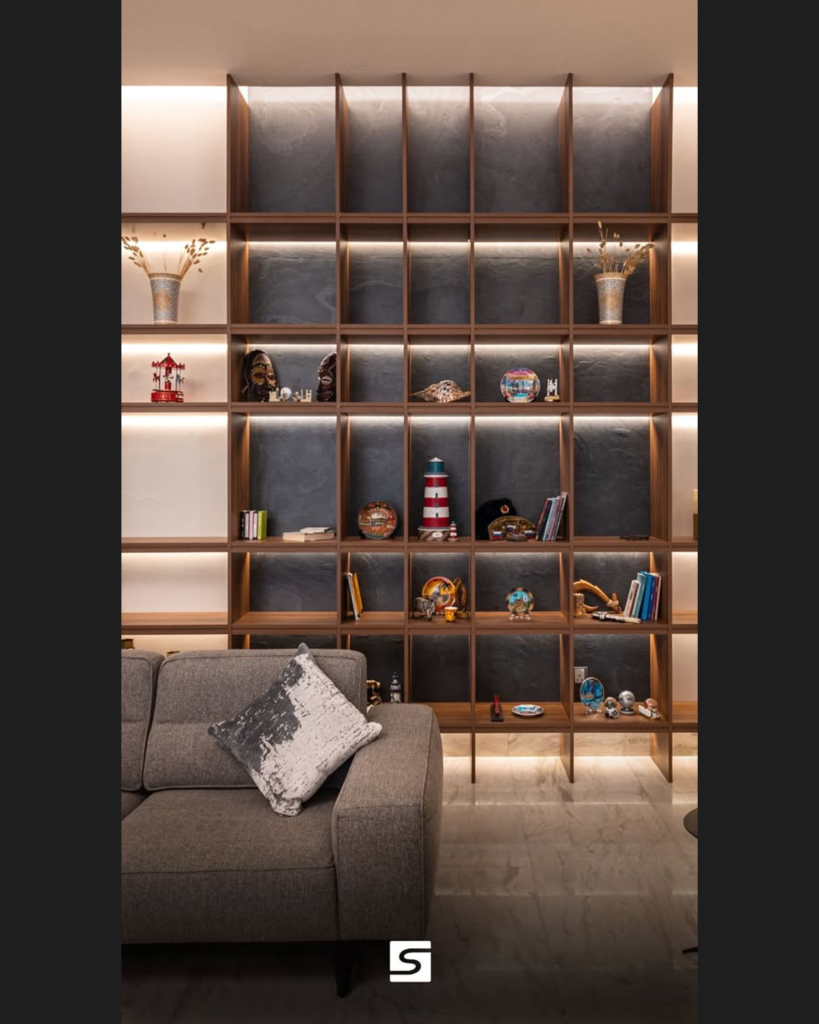
Exterior production visual
Large project presentation
Architectural modeling support
Concept / design visualization
Drawing and documentation example

Before kickoff

Questions that usually come up before outsourcing CAD drafting.

Before production begins, we agree the practical details that protect your standards, schedule, files, and review process.

Will you follow our standards?Yes. Templates, title blocks, sample sheets, naming rules, and preferred output formats are reviewed before kickoff.
How do we avoid rework?The scope, assumptions, review points, and open questions stay visible so feedback is easier to act on.
Can we protect confidential files?NDA requests and controlled file-sharing channels can be agreed before sensitive files are exchanged.
Can we test the workflow first?Yes. Start with one controlled task, review the process, then decide whether to scale support.

FAQ

Common questions before sending files.

Can Nest match our standards?Yes. Send sample sheets, templates, linework standards, naming rules, and example deliverables.
Can we start small?Yes. Nest is designed for per-project support: one redline set, one model, one visualization package, or one deadline.
Who reviews the work?Production is managed and checked by architects before delivery.
Can you work in our Revit or CAD template?Yes. Share the correct software version, templates, title blocks, families, layers, and export requirements before kickoff.
Do you sign NDAs?Yes. NDA requirements can be handled before confidential drawings, models, or client information are shared.
How do revisions work?Revisions are tied to the agreed scope, marked comments, QA notes, and review dates so project managers keep control.
How fast can we start?For a clear brief and available capacity, Nest can usually begin with a scoped trial task quickly after file review.
Do you replace licensed local architects?No. Nest provides production support under your studio direction and does not replace local code responsibility or licensed architect-of-record services.

Best fit

Use Nest when you need capacity quickly, but still care about drawing logic.

We are useful for overflow production, redline pickup, package development, model cleanup, and deadline-driven documentation where a responsive partner matters as much as software ability.

A low-risk first step

Start with one controlled package, then scale only if the fit is right.